


Bangtan Pin
Bangtan Pin
💜 Show your BTS bias
🎭 Switch members with a swipe
😂 Upload any photo, video or GIF
📲 Connects seamlessly via Bluetooth
🔋Rechargeable with 5–6 hours battery


Buy More, Save More

Free Bangtan Clip Pack
Couldn't load pickup availability

Bangtan Pin
-

I wore this to a fan sign with Jungkook's fancam on it and literally everyone in line was asking me about it 😭💜
-

Finally a way to rep my bias that actually looks cool. I've had it on at school every day this week and people keep stopping me.
-

Got the couple's pack for me and my friend. Now we wear matching ones with our biases. It's so unhinged and I love it :)


30-Day-Money-Back Guarantee
30-Day-Money-Back Guarantee
At MemoPin, we want you to feel 100% satisfied with your purchase. That's why we offer a 30-day money-back guarantee from the moment you receive your product. If you're not completely satisfied, you can request a return according to our refund policy.
What's Included In The Box?
What's Included In The Box?
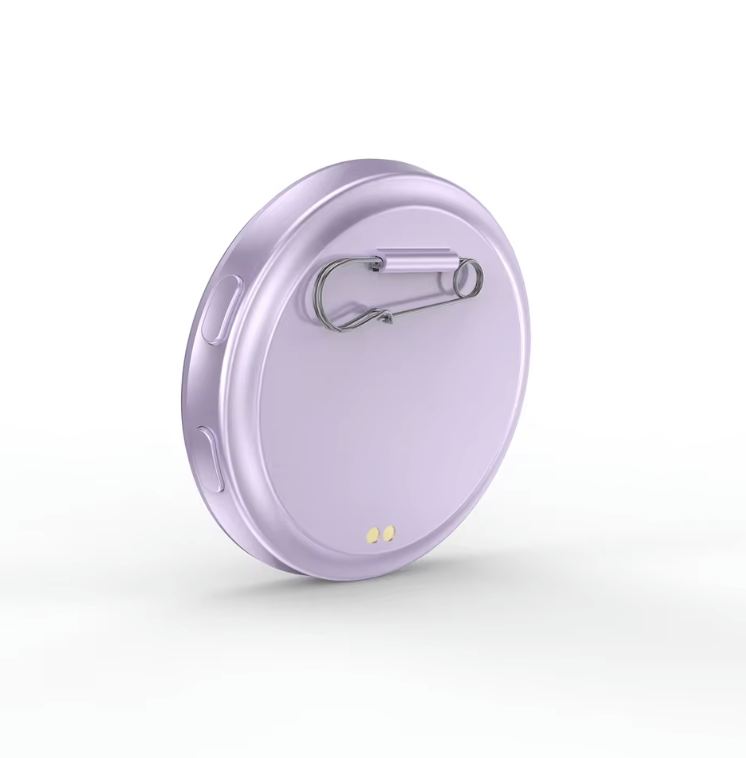
1 × Smart Digital Display Badge
1 × USB-C Charging Cable
1 × Pin Backing
1 × User Instructions
Free & Secured Shipping
Free & Secured Shipping
All orders are processed within 1-3 business days.
Delivery takes 7-12 business days.
If you have any questions, feel free to contact us.


Wear Your Bias On Your Sleeve 💜
Take It With You Anywhere 😎
Frequently Asked Questions
How do I upload media on the MemoPin?
How do I upload media on the MemoPin?
1) Turn on the MemoPin and scan the QR code displayed on the screen with your phone camera to download the MemoPin app on your phone.
2) Through the mobile app, transfer any video, picture, or GIF you wish onto the MemoPin.
Can I upload BTS fancam clips?
Can I upload BTS fancam clips?
Yes! As long as the video is on your phone, you can transfer any short clip (up to 3 seconds looping, up to 12 seconds total) through the MemoPin app. Fancams, fan edits, concert moments — all fair game.
What can I display on the MemoPin?
What can I display on the MemoPin?
• Personal photos & digital art
• Animated GIFs & short videos
• Names, messages & text
• Emojis, symbols & aesthetic designs
• Logos, reminders & daily inspirations
What are the technical specifications?
What are the technical specifications?
• Resolution: 360 × 360 IPS color display
• Supported formats: JPG, PNG, animated GIF, short videos & text
• Videos auto-trimmed to 3 seconds (allows up to 12 seconds per video)
• Battery: 500mAh rechargeable, approx. 5–6 hours (brightness dependent)
• USB-C charging
Facebook testimonials
-

19h ago
Wore this to a fan meet last weekend with a purple heart GIF on it and honestly got more compliments on the badge than my whole outfit lol 😂 Every ARMY in the queue was losing it asking where I got it. Already ordered one for my bestie too
1.1k
35 Comments
LikeCommentShare -

21h ago
Okay I was skeptical but this thing is genuinely so fun 😁 I loaded my bias's fancam on it and wore it to school and my whole friend group went crazy. We spent like an hour swapping clips between all our phones 💜 The screen is super clear too, way better than I expected
433
12 Comments
LikeCommentShare

